Dubbing via ElevenLabs and Cartesia is now available in Lumean We've added the ability to start dubbing via ElevenLabs and Cartesia directly from order history. Cartesia also supports dubbing using a…
Dubbing via ElevenLabs and Cartesia is now available in Lumean
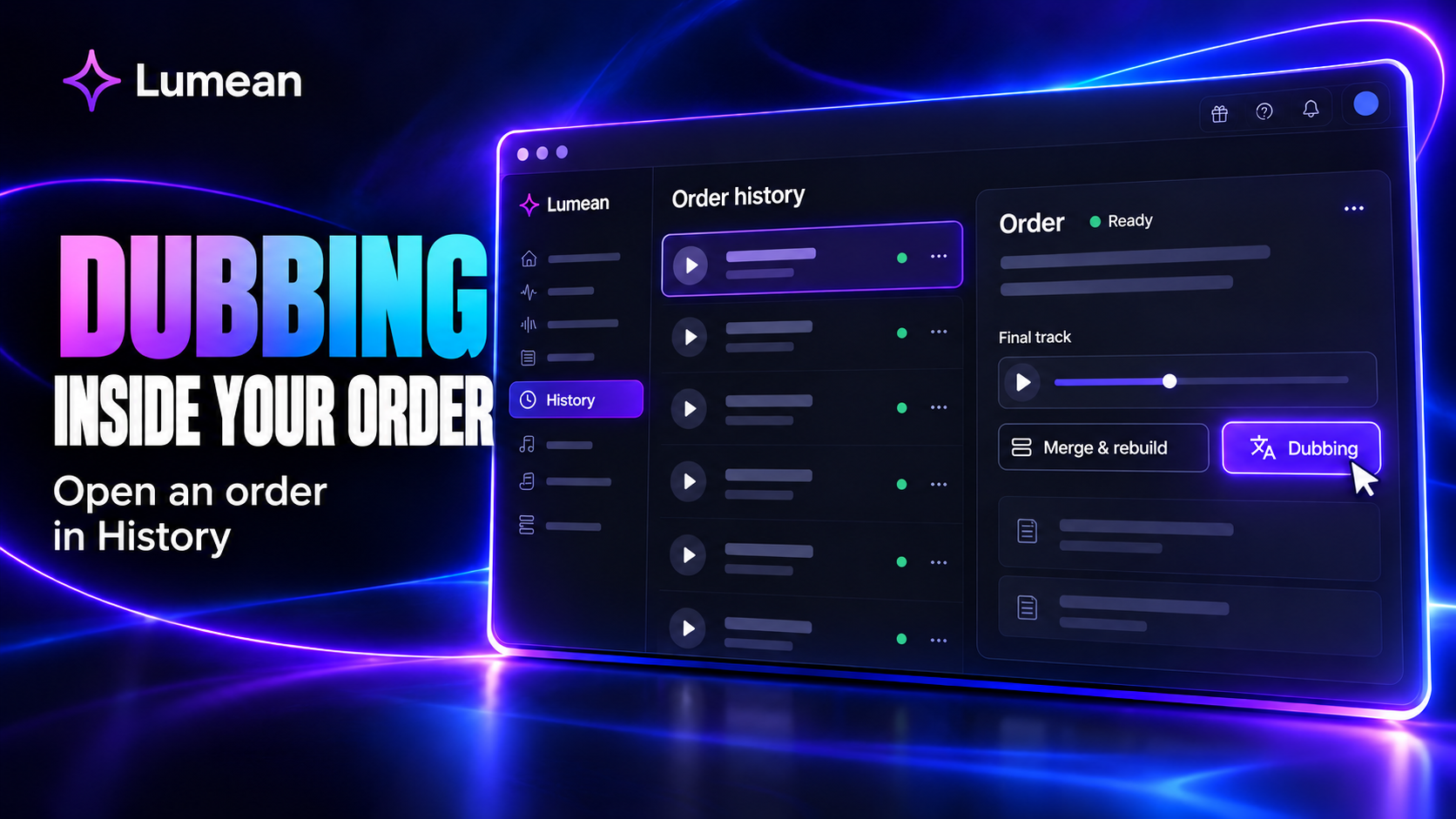
We've added the ability to start dubbing via ElevenLabs and Cartesia directly from order history. Cartesia also supports dubbing using a cloned voice.
The feature is available in test mode. We'll be refining it based on testing results and your feedback.
How to start dubbing
- 1Go to the History section.
- 2Select and open the order you need.
- 3Click the Dubbing button located below the final track.
The button is inside the order card — that's where dubbing is started from.
Why try Cartesia
As a reminder, in Lumean Cartesia is almost half the price of ElevenLabs, and its current load is lower.
If you've only used ElevenLabs so far, we recommend trying Cartesia on your tasks and assessing how well the result suits your content. Cloned voice support gives you an additional option for working with dubbing.
Test mode and feedback
Errors and rough edges are possible during the testing phase. Please report all issues to support on the website, making sure to include the order ID.
To help us investigate faster, include the following in your request:
- The service used: ElevenLabs or Cartesia.
- What you were trying to do and which parameters you selected.
- At which stage the problem occurred.
- What result you expected and what you got.
- The error text or a screenshot, if available.
A detailed description along with the order ID will help us find the relevant task, check how it was processed, and understand the cause of the problem.
Thank you for testing new features and sharing your feedback. We continue working on the convenience, quality, and stability of Lumean.